Just need to sign a PDF yourself? Use our free tool: no account, no upload, no watermark.
To sign a PDF yourself
- Open Stellaire Sign and click New.
- Upload the PDF and click 'Only me'.
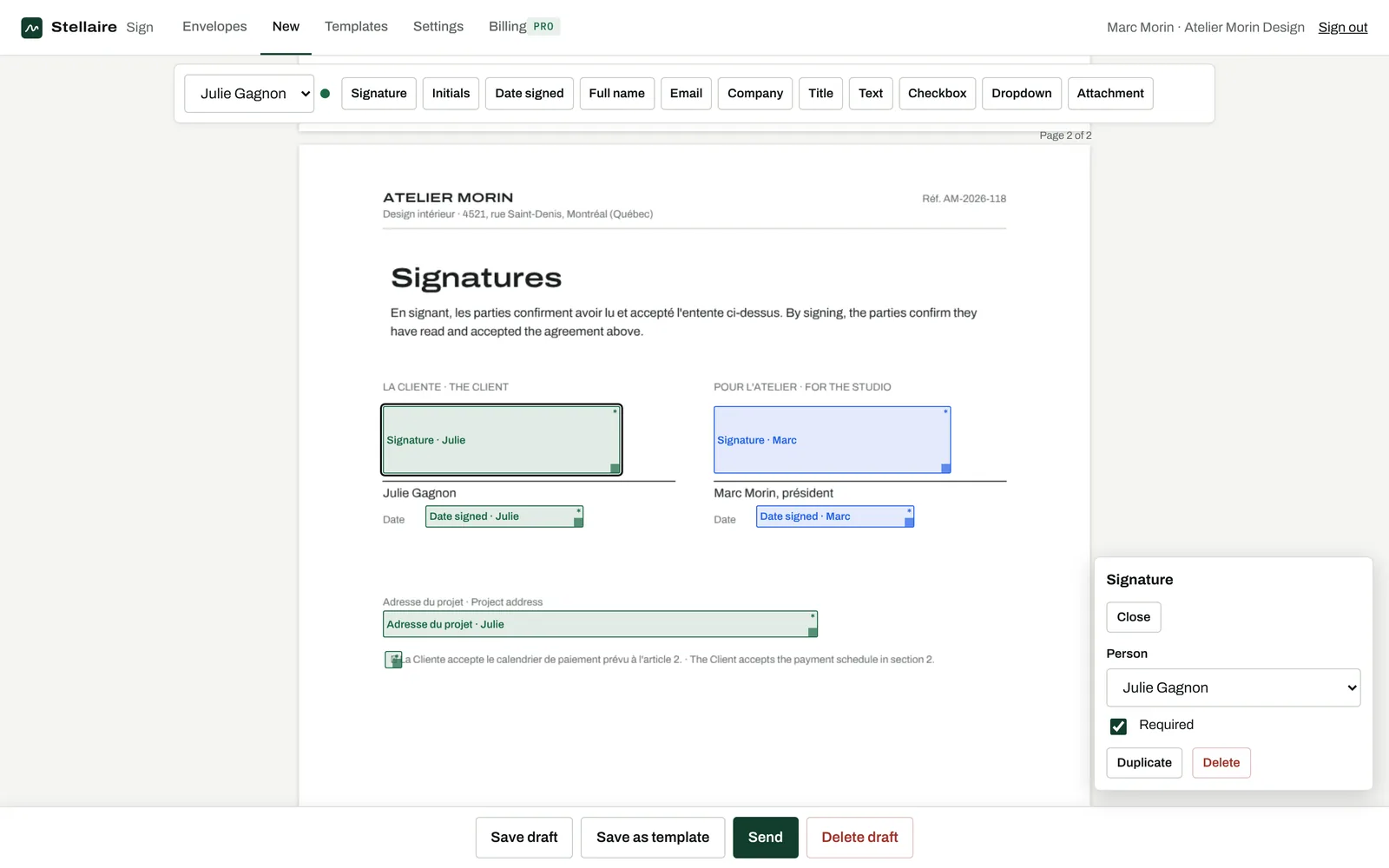
- Place a Signature field and a Date field where you sign.
- Click Send: the signing page opens right away.
- Draw, type or upload your signature, then Finish. Download the sealed PDF.
To get someone else to sign
Add each person's name and email, choose if they sign, approve or just get a copy, and place their fields. Turn on the signing order if one person must sign before the next. Each person gets a personal link; you see in real time who opened and who signed.
Tips that save time
- Combine several PDFs or photos of paper pages into one document when you upload them.
- Save documents you send often as templates.
- Turn on automatic reminders and an expiry date so nothing stays pending.
Questions
Can I sign on my phone?
Yes. Signers draw with a finger; you can also add Stellaire Sign to your home screen like an app.
Can I edit the PDF text?
Edit the text before uploading. Once sent, the original is fingerprinted so that what people sign is exactly what you sent.