
What contractors send
- Quotes and estimates (soumissions)
- Renovation and construction contracts
- Change orders and extras
- Payment schedules and completion certificates
- Subcontractor agreements
On site, on any phone
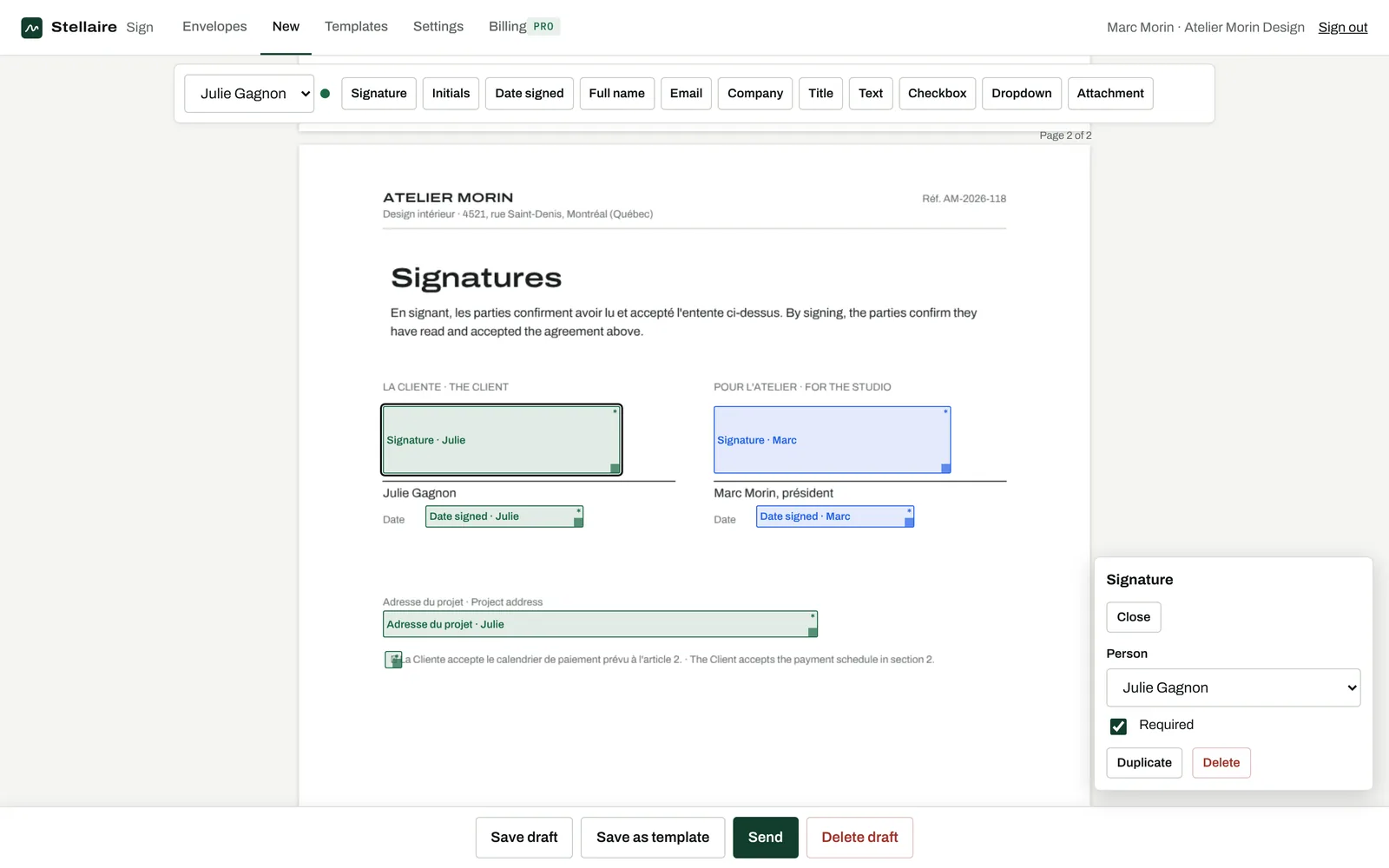
Hand your phone or tablet to the client with ‘Sign in person’, or text them the link. The approver field lets a spouse or co-owner approve before the work starts. Deposits and dates are written in fields that cannot be changed after signing.
Protect yourself
Every change order is signed, timestamped and sealed. If there is a disagreement months later, you have the exact document, who approved it and when.
Questions
Can the client sign without email?
Yes. Copy the personal link and send it by text message, or let them sign on your device in person.
Can I use my own quote template?
Yes. Upload the PDF your software makes, place the fields once and save it as a template.